> For the complete documentation index, see [llms.txt](https://docs.uaepass.ae/llms.txt). Markdown versions of documentation pages are available by appending `.md` to page URLs; this page is available as [Markdown](https://docs.uaepass.ae/guidelines/design-guidelines/button-guidelines/sign-with-uae-pass.md).
# Sign with UAE PASS
Mobile and Portal View
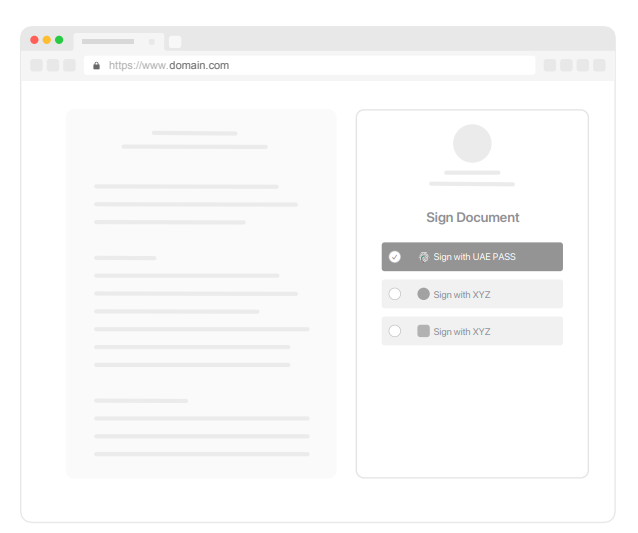
**Portal Option A**
If your platform provides UAE
PASS digital signature option,
please follow the below guidelines
depending on your use case.
\
**Case A:** If UAE PASS is the only
digital signature option that you
provide make sure you use “Sign
with UAE PASS” button as shown
in the example.
**Case B:** If you use multiple digital
signature options, make sure you
state a clear text that says “Sign
with UAE PASS”. There are two
options in this case: Text only
selection and text with logo.
Please use what best matches
with your platform.
\
**Case B - Text only**
**Case C - Text with logo**